Zen New Tab logo

Zen New Tab

Minimal • Calm • Productive

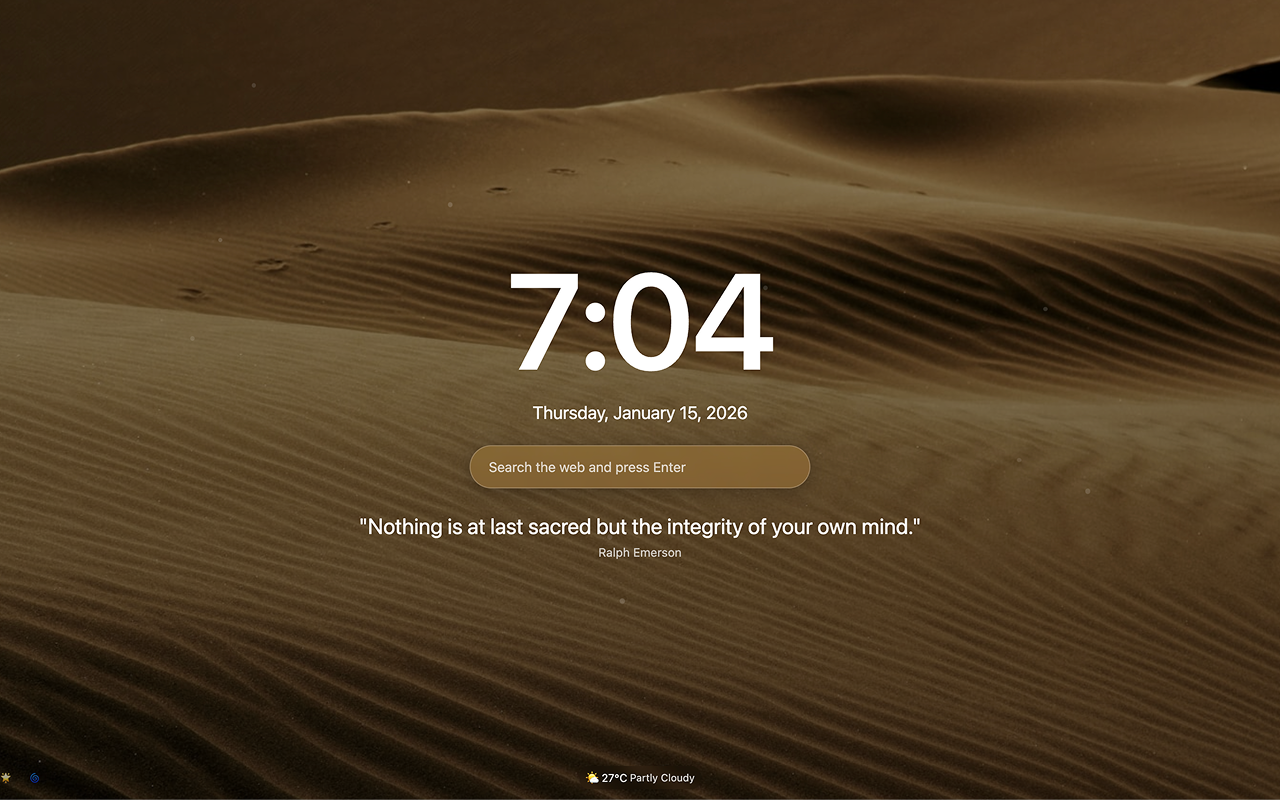
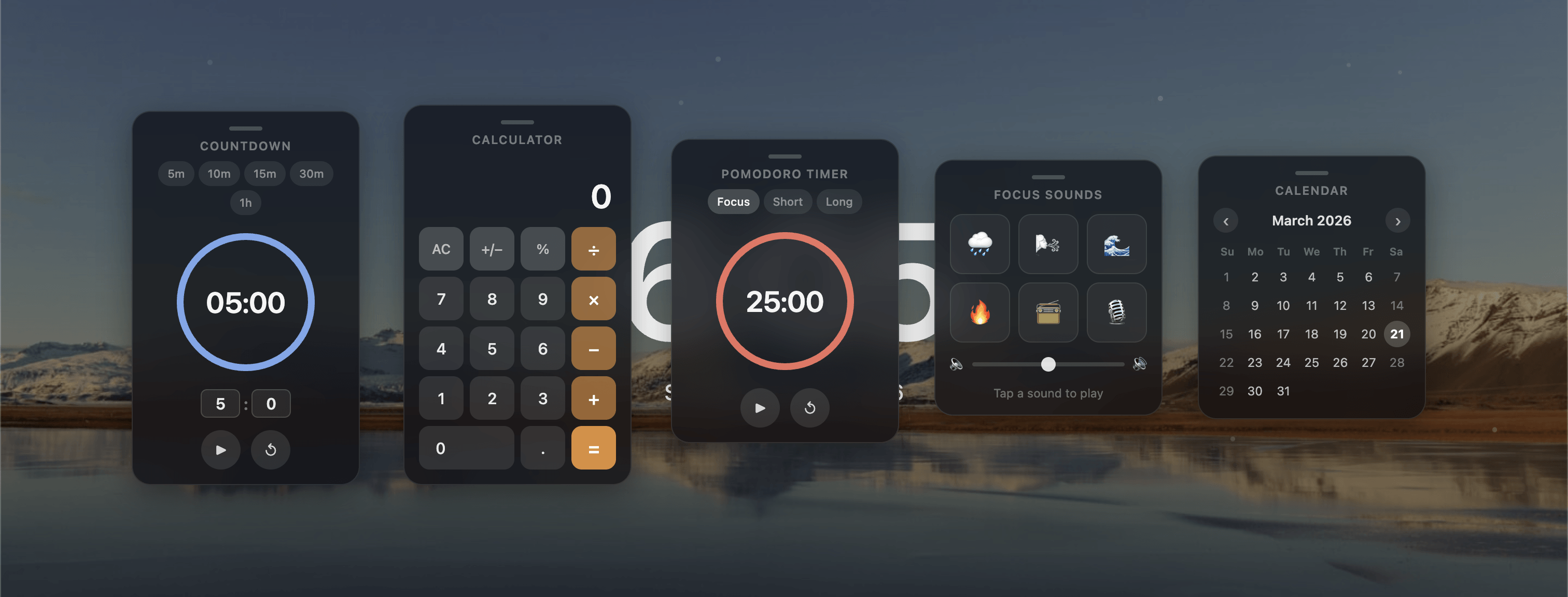
A unified minimalist dashboard featuring focused search and essential tools

Zen New Tab transforms your browser's start page into a unified, distraction-free sanctuary. Designed to reduce digital clutter, the Zen dashboard harmonizes essential elements into a single interface.

Free and open-source. Works seamlessly in all modern browsers with Chrome support.
Zen New Tab preview

Features

Everything you need to stay productive while keeping your new tab minimal and calming.

Time & Date icon

Time & Date

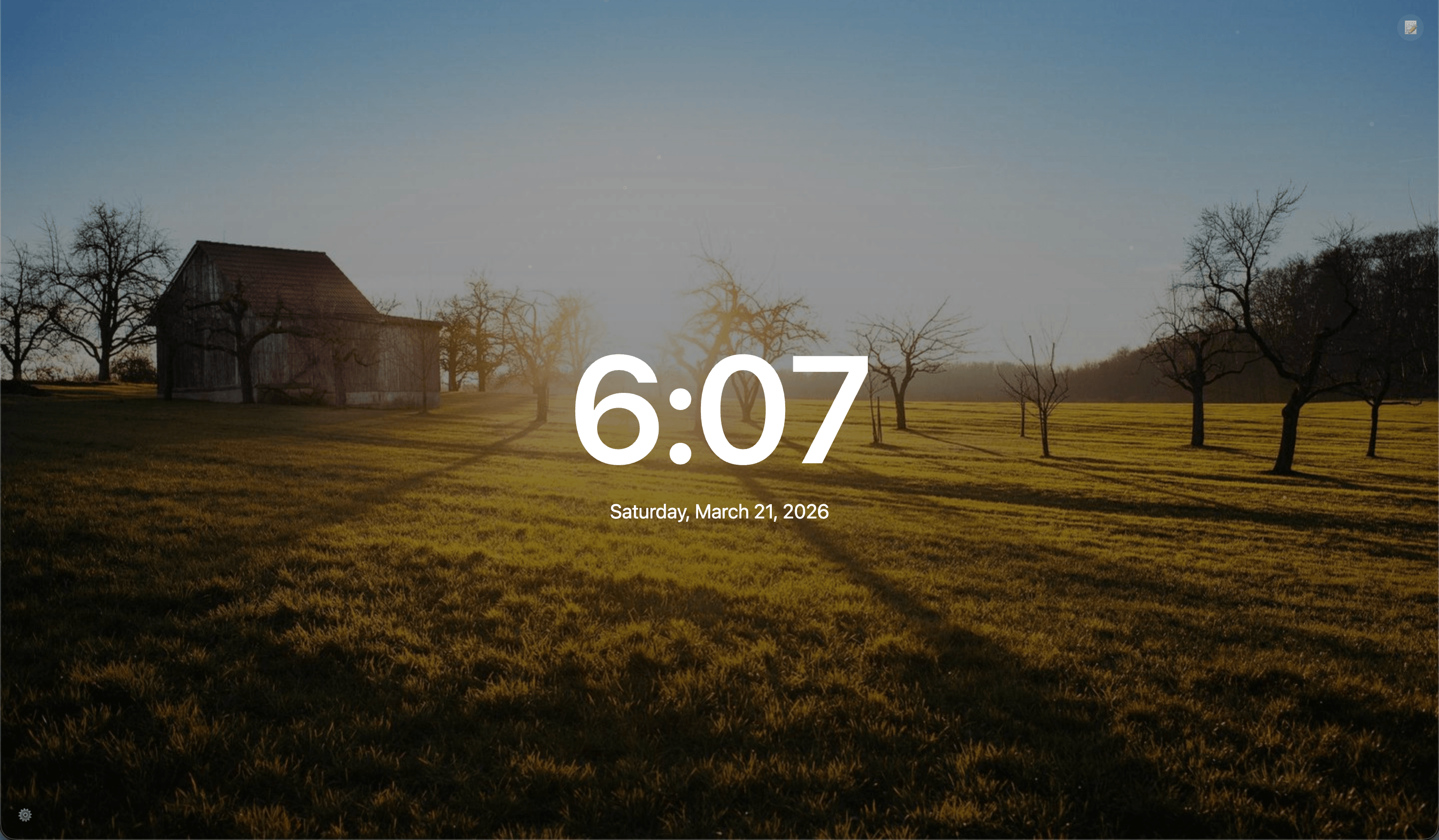
Quick glance at the current time and date in your preferred format.

Quotes icon

Daily Quotes

Start your day with inspiring quotes directly on your new tab.

Backgrounds icon

Beautiful Backgrounds

Rotating high-quality backgrounds to make your new tab visually appealing.

Weather icon

Weather Updates

Check your current weather at a glance without leaving the tab.

Search icon

Quick Search

Search your favorite websites directly from the new tab, instantly.

Screenshots

Zen New Tab screenshot

Install Zen New Tab

Free and open-source. Add Zen New Tab to Chrome and make your new tab productive and calm.

How to use

  1. Click Install Now and open the Chrome Web Store page.
  2. Add Zen New Tab to Chrome via "Add to Chrome".
  3. Open a new tab to enjoy time, quotes, backgrounds, weather, and search instantly.
For help, contact geanpaulo@mail.com.